 Handset
GitHub
Handset
GitHub
Handset gives your AI agents your phone.
Claude, ChatGPT, Claude Code, Codex or any other MCP client can read the screen, open apps, tap, type and scroll, the way you would. Nothing leaves the phone until you connect an agent, and each agent gets its own switches for what it may read. Claude and ChatGPT reach the phone through a small relay you deploy to your own Cloudflare account.
Android 11 or newer. Free and open source under the MIT license.
It uses the apps you already have
An agent reads the app in front, then taps, types, scrolls and swipes. It opens apps, links and searches, and sets alarms, timers, volume and Do not disturb without touching the screen.
While it works, a pill at the top of the screen says who is doing what, such as “Claude Code is opening Clock”, with Stop. Each tap shows as a ring. Stop ends the running call and the waiting ones.
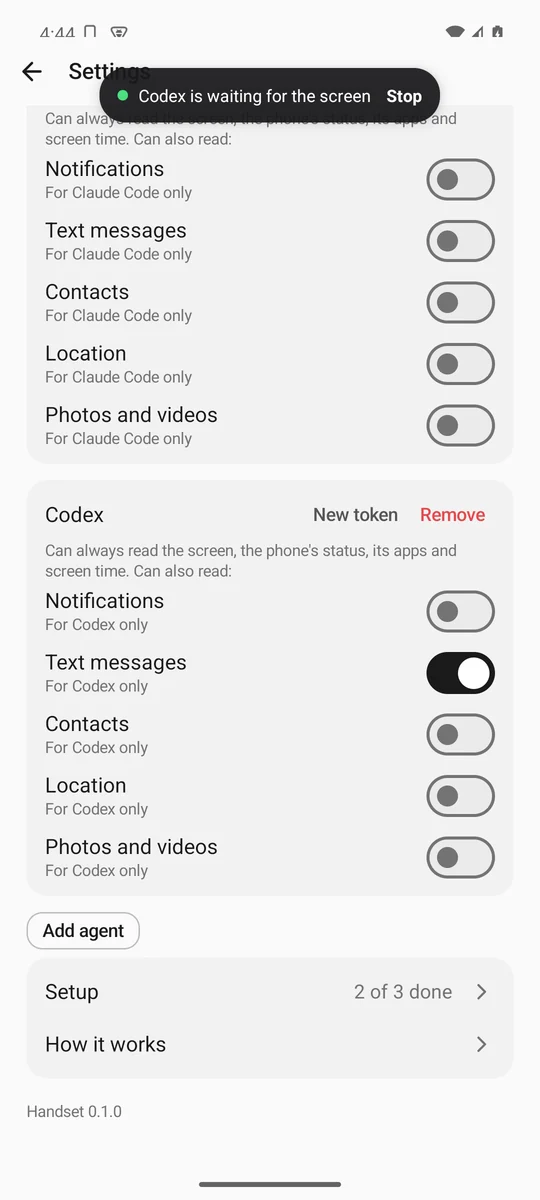
You choose what each agent reads
Every agent can read the screen and the phone’s status. Notifications, text messages, contacts, location, and photos and videos are off for each agent until you turn them on, on its page under Settings, Agents.
Pause an agent to stop it for a while. It keeps its sign-in and its switches. Agents can’t open or read Handset’s own screens.
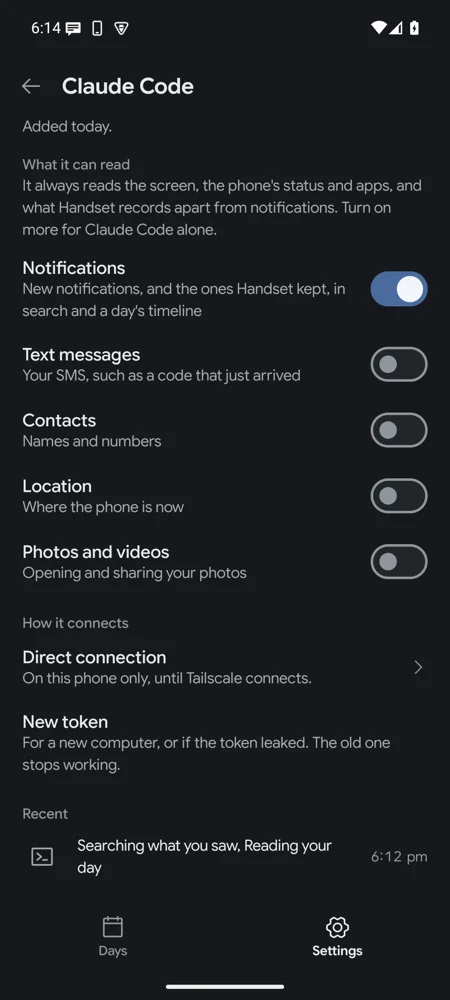
Send and Pay wait for you
With Ask me before tapping Send or Pay on, a tap on Send, Pay, Buy, Order, Transfer, Post or Publish waits until you tap Allow in a notification. Other screen calls wait with it, so the agent can’t tap Allow itself.
Every step an agent takes, refused and stopped ones included, is kept on the phone and shows in Days.
Install it
- On the phone, download handset.apk and open it to install. The releases page lists each APK’s SHA-256 and signing certificate.
- Open Handset. Its setup walks you through three Android settings: Accessibility, Notification access and Unrestricted battery.
- Android greys out Accessibility for an app installed from a file. Try once, then open the app’s App info, tap ⋮, choose Allow restricted settings, and turn it on again.
Handset isn’t on Play. It drives the phone through an accessibility service, and Play allows those only in apps for people with disabilities.
Connect an agent
There are three ways in, and all are off until you turn them on. An agent you add starts with every switch off.
Claude and ChatGPT
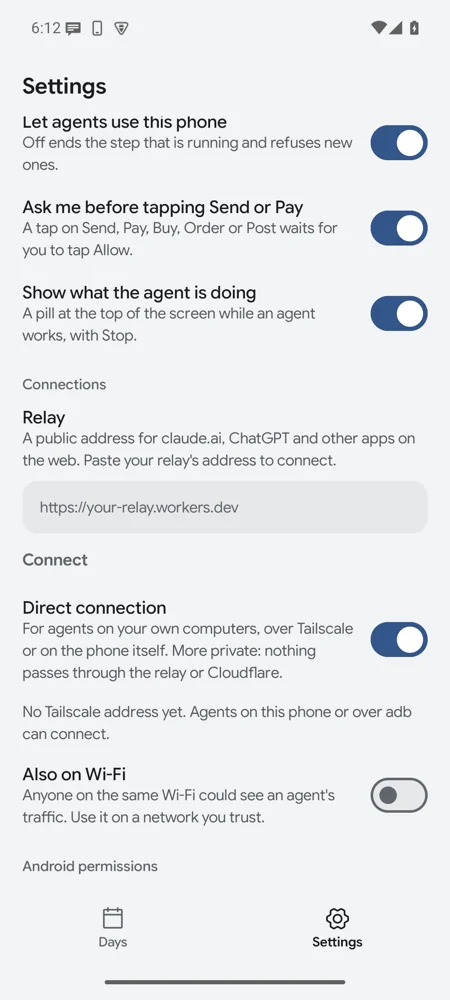
Deploy the relay, a small Cloudflare Worker of your own, in three commands. Paste its address in Settings, Connections, then add your phone’s address as a connector in claude.ai or ChatGPT. The phone shows a code to match before it lets the agent in.
The relay guideAgents on your computer
Claude Code, Codex, Claude Desktop and other MCP clients connect over Tailscale, or your Wi-Fi when you allow it. Add agent gives you a ready setup with its token.
claude mcp add --transport http handset \
  http://100.101.102.103:8765/mcp \
  --header "Authorization: Bearer hs_..."
Apps on the phone
An app on the same phone connects with one tap, and nobody copies a token. Nano Chat, a chat app whose models run on the phone, connects this way.
How an app connectsA private record of your day
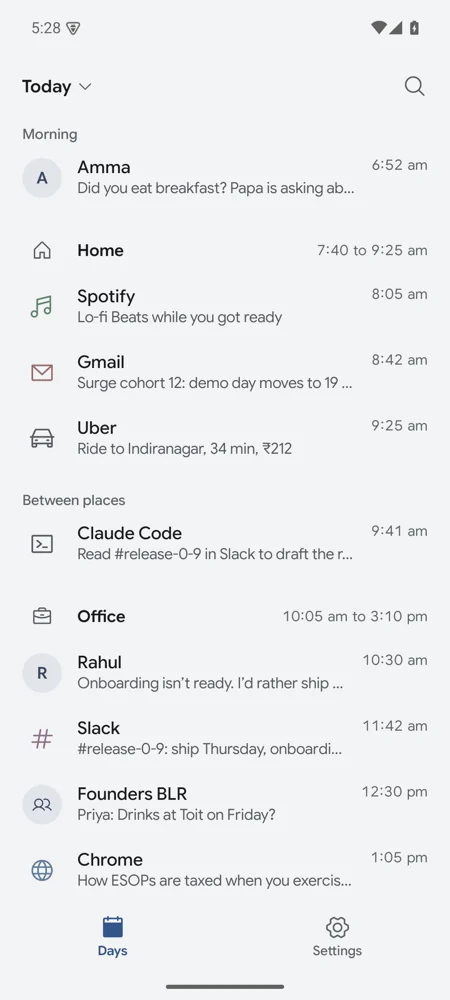
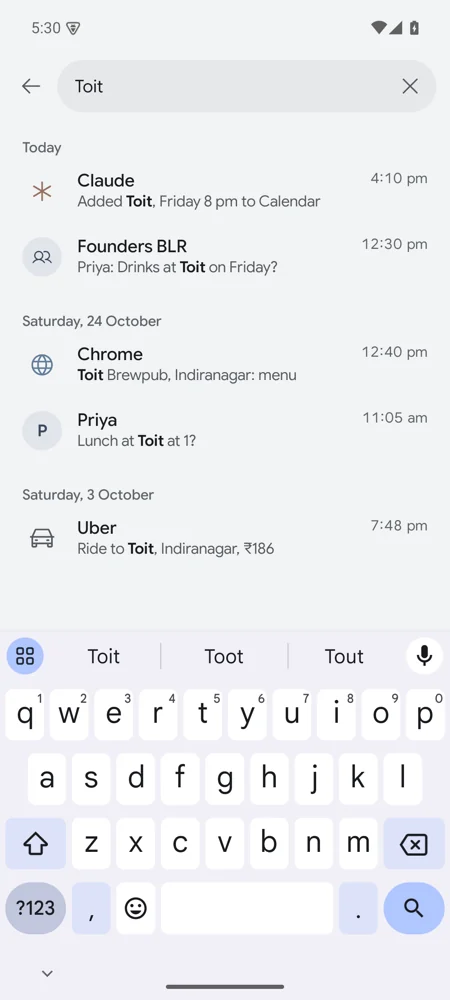
If you want it, Handset keeps what you saw on screen, your notifications, the apps you used and where you stayed. Every source is off at first. The Days tab shows each day by time, and you can search it.
The phone can start a routine
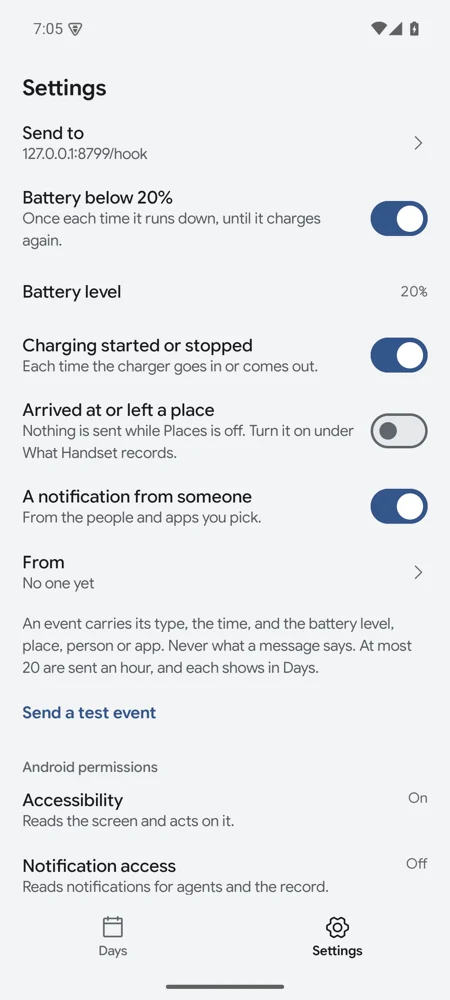
Handset can tell a Claude routine when the battery runs low, charging starts, you arrive somewhere, or someone you picked sends a notification. It never sends what a message says.
Privacy
The day record and every agent’s steps live in the app’s private storage on the phone, and are never uploaded. A tool’s result goes only to the agent that called it. Phone events go only to the one address you gave.
A direct connection has nobody in between. A relay connection passes through Cloudflare and your own relay, and the AI provider receives the results. The relay stores sign-in records, never what the calls say.